

Daily Word Games That Keep You Sharp
Overview
Letterbox - Daily Word Games is a desktop puzzle application designed to challenge and entertain users through a rotating selection of word-based gameplay. Developed by Alejandro Zielinsky, the software offers four distinct word games that are refreshed every day, ensuring a consistent stream of new challenges. The primary purpose of the software is to engage users in mental exercises that promote vocabulary expansion, pattern recognition, and strategic thinking. It is particularly well-suited for casual gamers, puzzle enthusiasts, and individuals seeking a daily mental workout.
Real-world usage scenarios include morning brain training, leisure-time entertainment, or a quick mental break during work hours. The app supports both Windows and Mac platforms, making it accessible to a broad user base. Users can access archived puzzles if they miss a day, providing flexibility in gameplay. The developer did not provide additional details about the app’s technical background or broader company profile.
Key Features & Capabilities
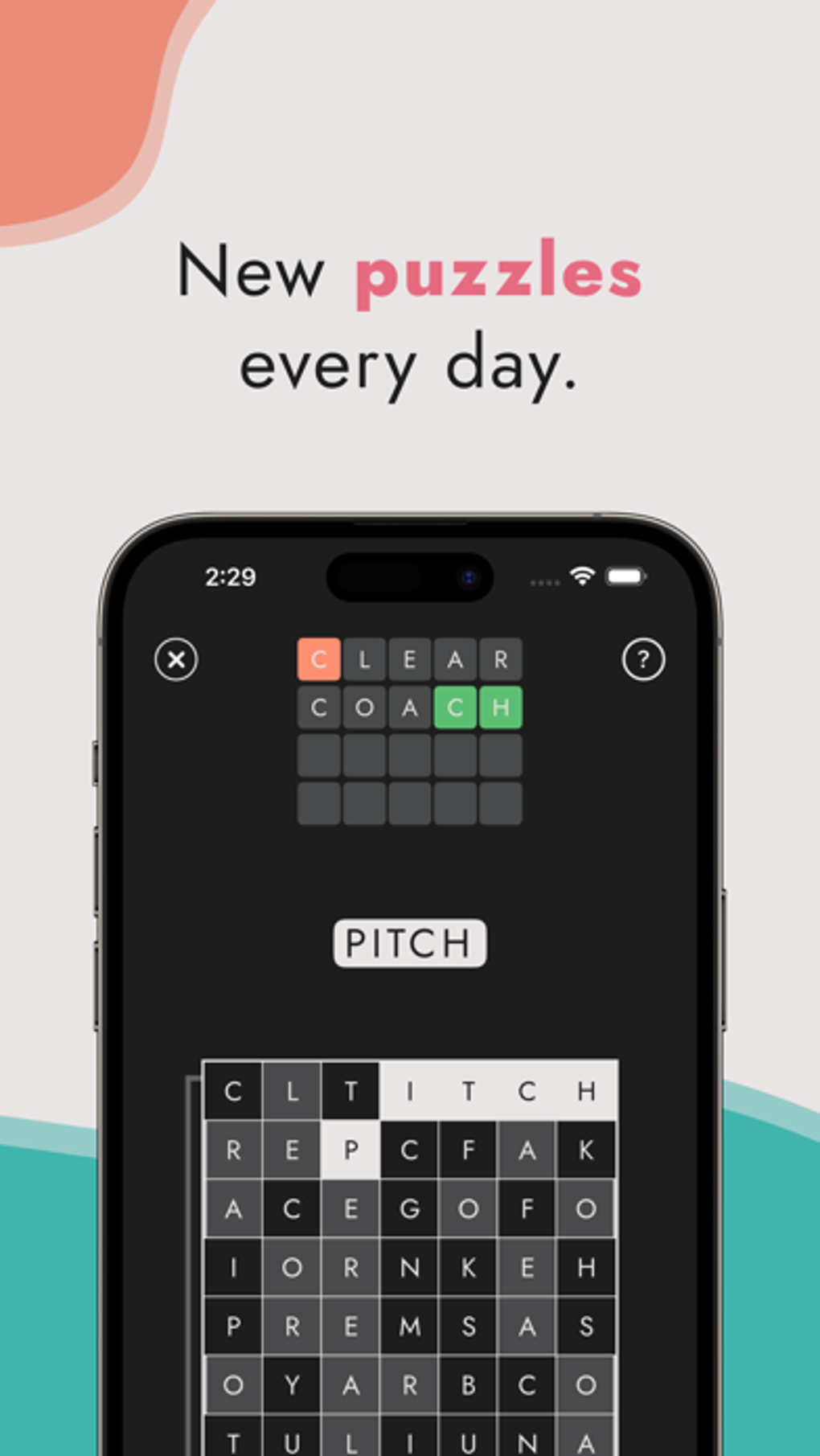
- Daily Puzzle Rotation – Four unique word games are generated each day, offering variety and preventing gameplay fatigue.
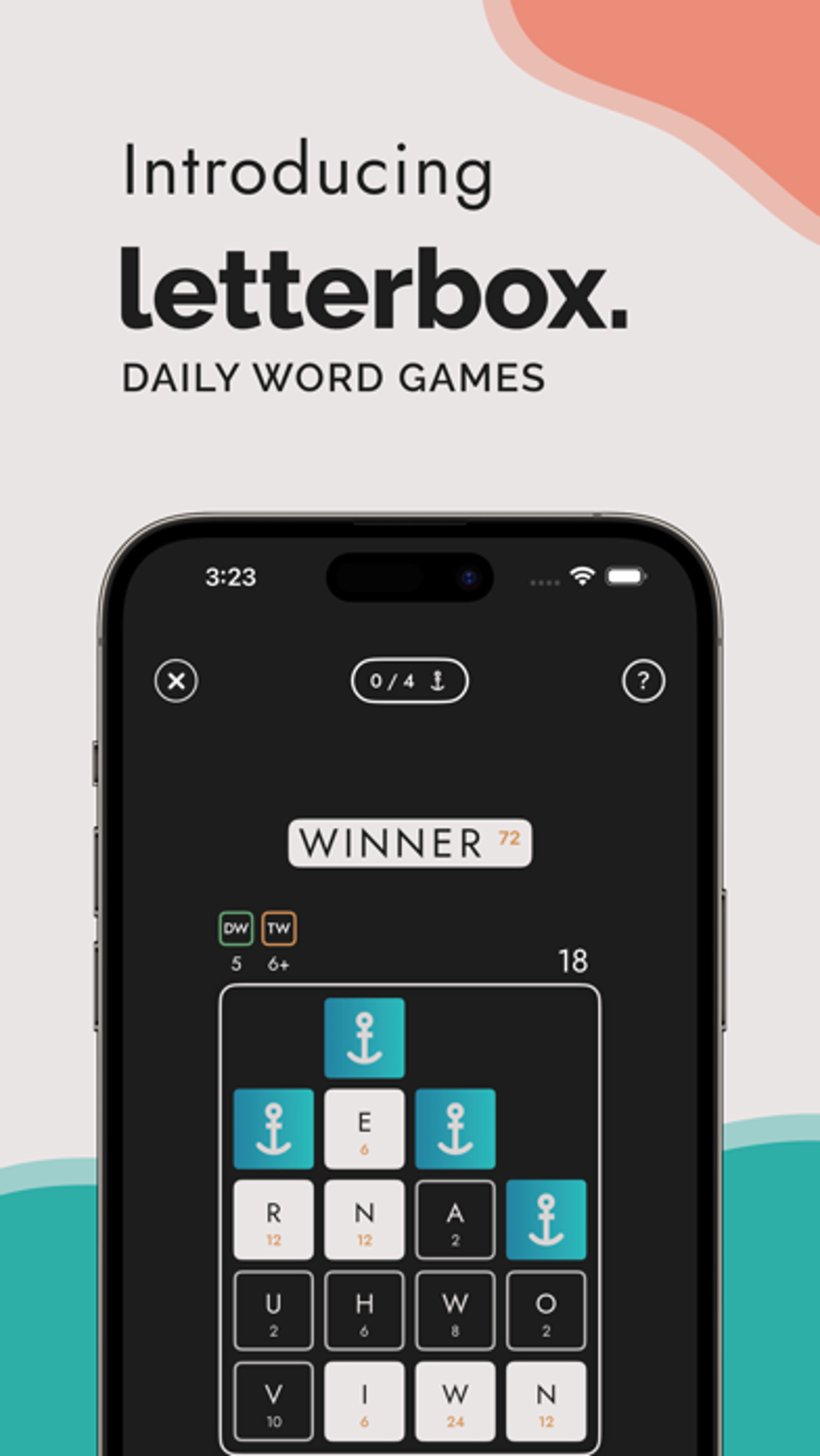
- Four Game Modes – Includes Letter Sink, Word Rush, Searchle, and Letter Lock, each with distinct mechanics and challenges.
- Progress Tracking – Built-in stats tracker allows users to monitor daily streaks, completion rates, and personal improvement over time.
- Global Leaderboard – Enables competition with players worldwide, adding a social and motivational layer to gameplay.
- Ad-Free Environment – Offers uninterrupted gameplay with no advertisements, enhancing focus and user experience.
- Archived Puzzles – Users can revisit missed puzzles, allowing for flexible play schedules and continued engagement.
These features collectively support cognitive engagement and sustained user interest. For example, the daily puzzle rotation encourages consistent daily use, while the stats tracker fosters a sense of achievement. The global leaderboard introduces competitive motivation, and the ad-free design ensures a clean, immersive experience. The app’s structure promotes long-term habit formation through incremental challenges and measurable progress.
User Interface, Workflow & Performance
The user interface of Letterbox is designed to be intuitive and visually clean, with a layout that prioritizes accessibility and ease of navigation. Core gameplay elements are presented in a straightforward manner, allowing users to quickly start playing without a steep learning curve. The workflow is streamlined: launch the app, select a game mode, solve the puzzle, and view results or stats.
Navigation between modes, archives, and settings appears to be well-organized, though detailed information on UI components was not provided. The app’s performance is expected to be smooth given its modest file size of 25.6 MB, though exact resource usage details were not specified. Stability and CPU/RAM behavior were not documented. Performance observations are based on general software behavior patterns for lightweight desktop applications.
Compatibility & System Requirements
Letterbox is available for both Windows and Mac operating systems, supporting a broad range of desktop environments. The software version is listed as 1.0, indicating a stable initial release. The installation size is 25.6 MB, which suggests a lightweight footprint suitable for most modern systems.
Exact system requirements were not listed. Compatibility information was partially provided, with no mention of minimum processor speed, RAM, or graphics specifications. The developer did not specify whether the software requires internet connectivity for updates or game generation. Users should expect basic functionality on standard desktop hardware, but detailed compatibility details are limited.
Pros and Cons
Pros
- Daily rotation of four unique word games keeps content fresh and engaging.
- Ad-free environment enhances focus and user satisfaction.
- Progress tracking and daily streaks encourage consistent use.
- Global leaderboard adds a competitive, social dimension to gameplay.
- Archived puzzles allow for flexible play and catch-up opportunities.
Cons
- Only one new puzzle set is available per day, limiting bulk play.
- Limited system requirements information may hinder compatibility assessment.
- No indication of offline functionality, which could affect accessibility.
- Game modes may not suit all player preferences due to fixed daily rotation.
- Performance under heavy use or on older systems was not documented.
FAQ Section
Is Letterbox available for both Windows and Mac?
Yes, the software is compatible with both Windows and Mac operating systems.
Is the app free to use?
Yes, Letterbox is offered at no cost to users. There are no in-app purchases or subscription fees.
Do I need an internet connection to play?
The developer did not specify whether offline play is supported. It is likely that an internet connection is required for daily puzzle generation and leaderboard synchronization.
How often are new puzzles added?
New puzzles are generated daily, with four unique games released each day.
Can I play past puzzles if I miss a day?
Yes, the app includes an archive feature that allows users to access and solve previously released puzzles.
Final Thoughts + CTA
Letterbox - Daily Word Games delivers a compelling blend of mental stimulation and entertainment through its rotating selection of word puzzles. With four distinct game modes, a clean interface, and features like progress tracking and a global leaderboard, it stands out as a focused and rewarding desktop puzzle experience. The ad-free design and daily content refresh ensure a consistent, enjoyable routine without distractions.
While system requirements and offline capabilities remain unclear, the app’s lightweight size and free access make it an accessible choice for puzzle lovers across Windows and Mac platforms. It is ideal for users who value daily challenges, personal growth, and competitive engagement. The combination of variety, simplicity, and long-term motivation makes Letterbox a standout in the casual puzzle genre.
Download Letterbox now and start your daily word challenge today.







